
How to make a gif in VKontakte
Gifka - what is it?
Gifs - what are they in simple words? Gifka - is a short animated file in GIF format, which is a small animation often used in social networks, such as in the VKontakteThis format of VKontakte gifs allows you to convey motion and emotion in a static image, making it ideal for creating creative and interesting content in online communication. This VKontakte gif format allows you to convey movement and emotion in a static picture, making it ideal for creating creative and interesting content in online communication.
Why you need gifs: pros and cons
The pros of using VKontakte gifs:
- Attracting attention: Gifs catch users' attention with their moving picture, making posts more colorful and interesting.
- Expressiveness: Gifs can convey emotions and moods better than static images. Thanks to animation they can easily express joy, surprise, sadness or other emotional states.
- Suitable for a variety of contexts: Gifs are suitable both for humorous situations, adding fun and lightness to communication, and for business communications. In business conversations they can emphasize important points or emphasize professionalism.
The cons of using gifs:
- File Size: Gifs can be relatively large files, making it difficult to load quickly on mobile devices with slow internet connections. This can cause delays in page loading or inconvenience users with limited internet traffic.
- Limited effects: Unlike videos, gifs have limited animation capabilities. It is difficult to convey complex visual effects or long scenes in them, which can be realized in videos. This limitation may not be sufficient for certain creative ideas that require more complex visual solutions.
Briefly on how to find gifs in VK
Before you make a gif in VK, you need to understand where to find already existing gifs in VKontakte. It is not difficult to find a gif animation in VK. It is enough to follow a few simple steps.
- Open a social network VKontakte and log into your account.
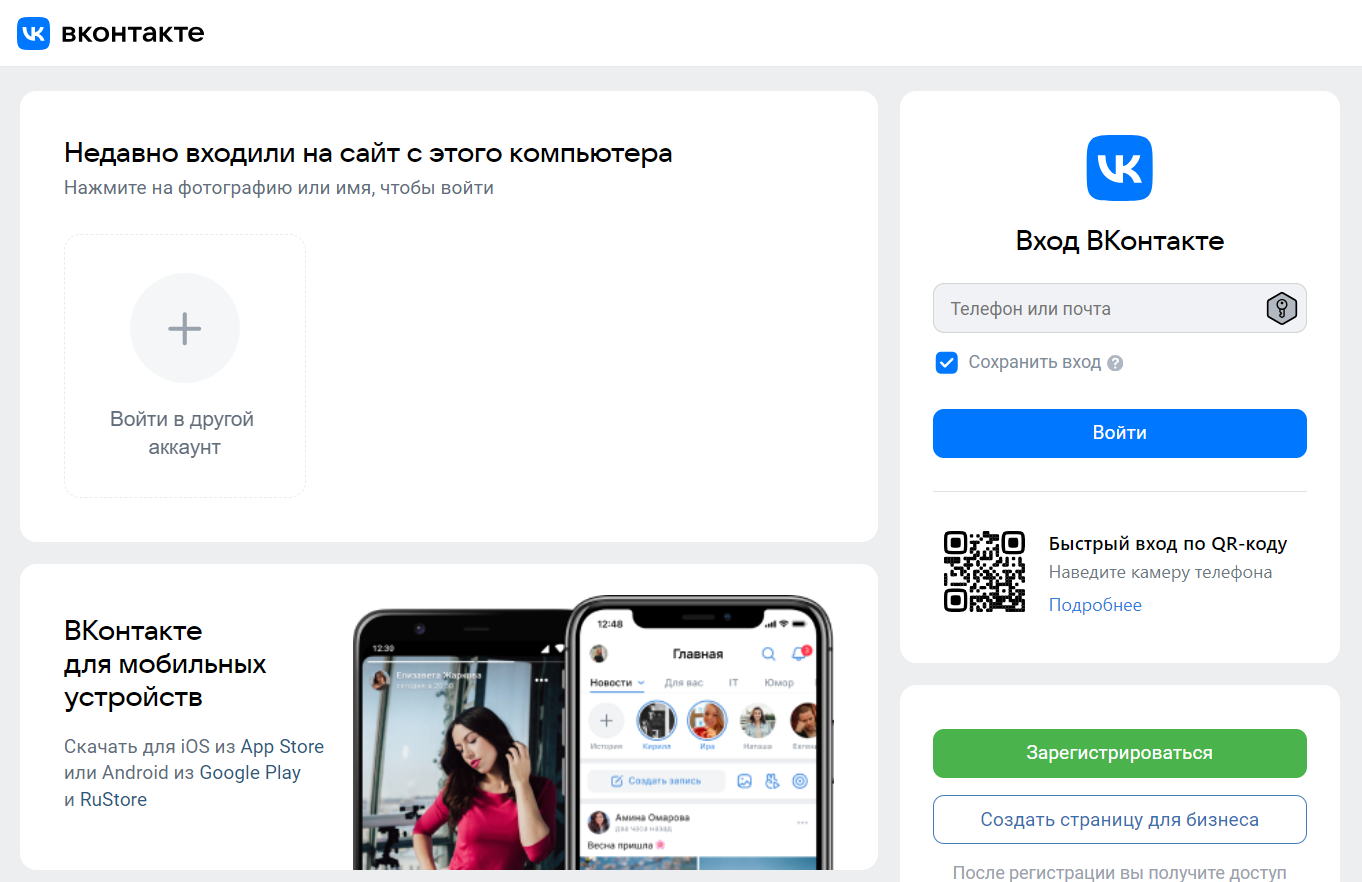
- Select the Files tab in the box on the left side of the screen

- Select the "GIF Images" tab in the box on the right side of the screen
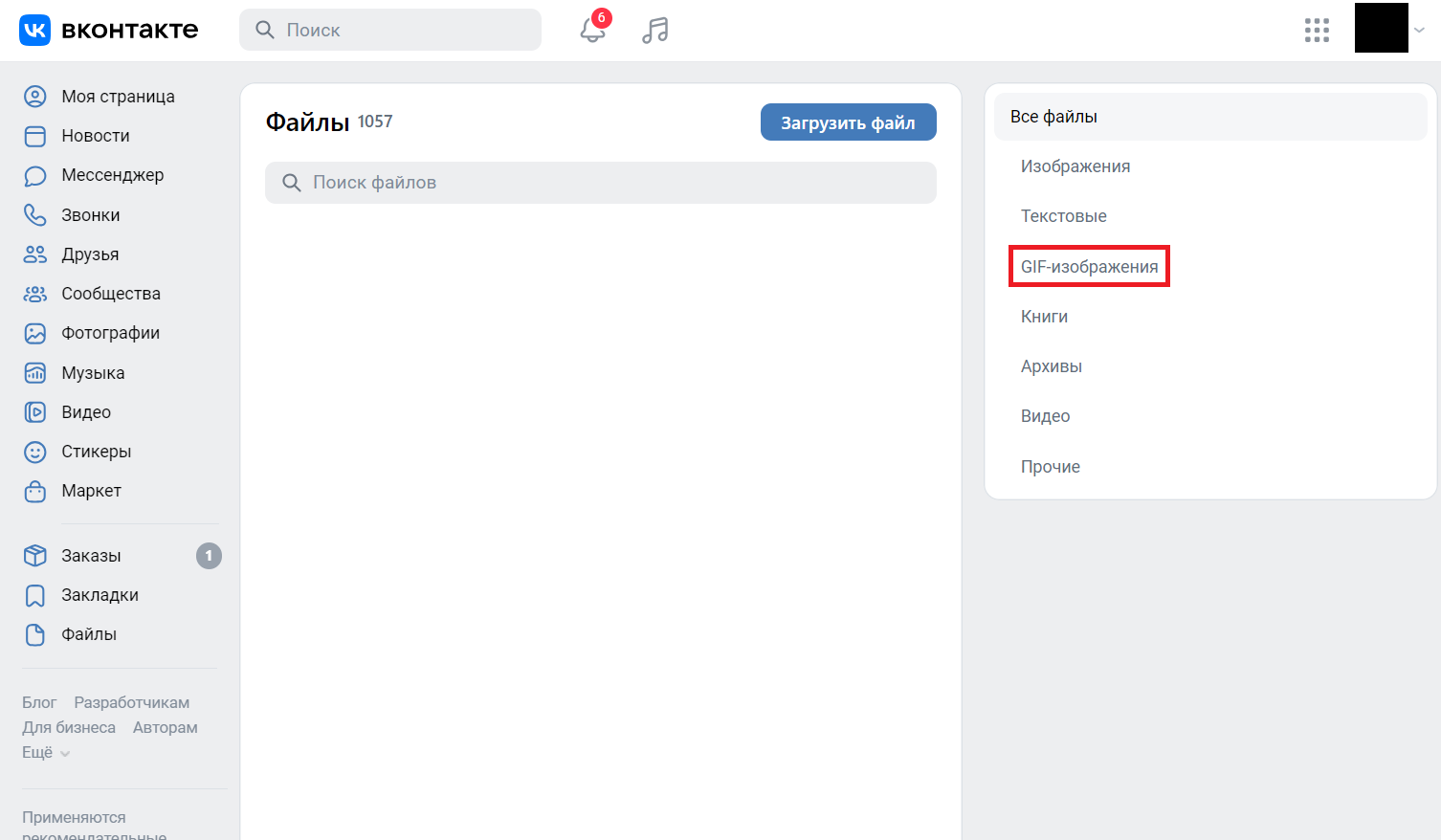
- A list of the gifs you have saved previously will open in front of you
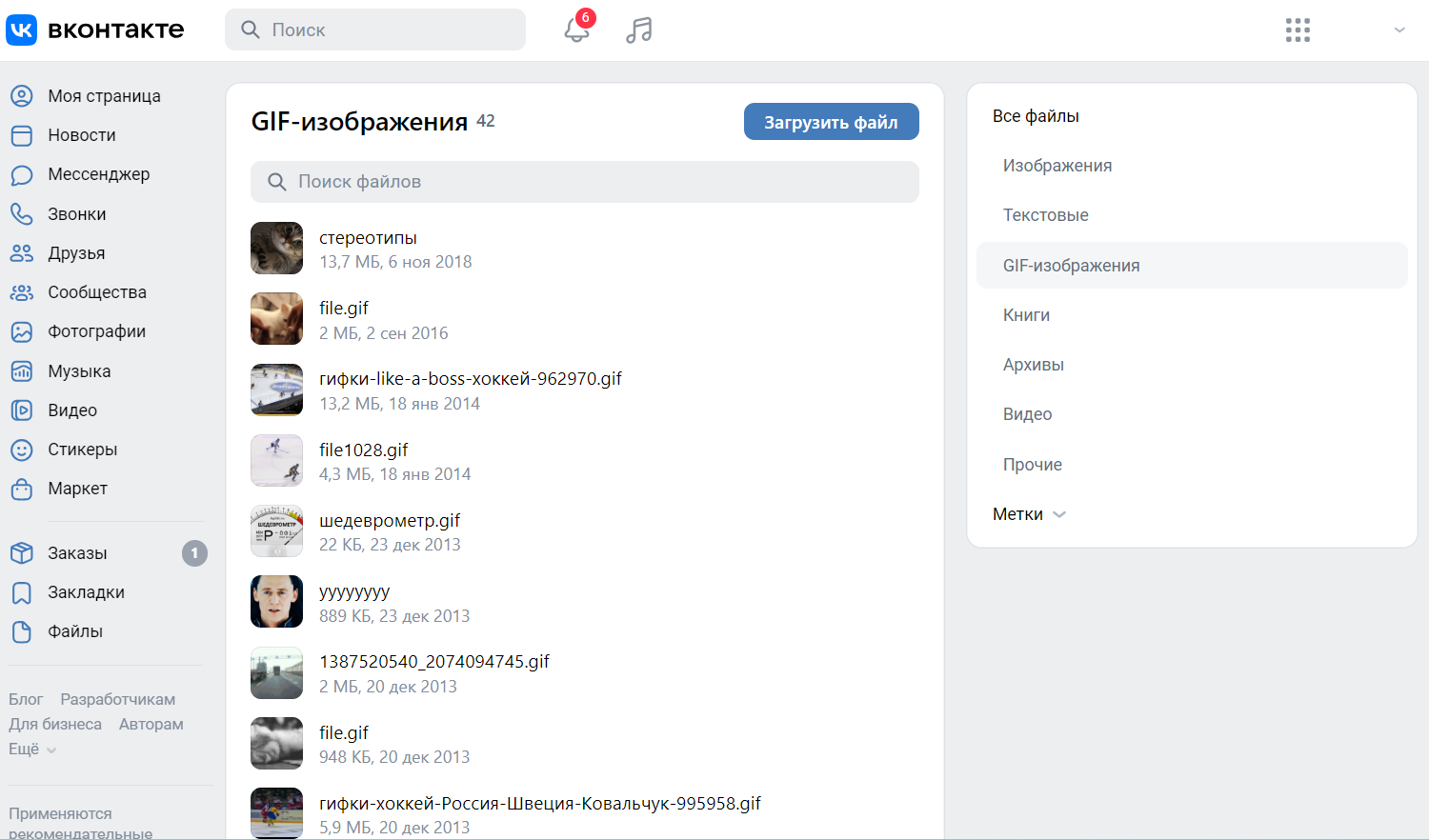
In the Files tab, you can use the search function. In the window that opens to search for gifs, you can enter a keyword or phrase related to the topic or emotion you want to convey. For example, "laughter," "congratulations," or "yay." Browse through the search results and select the appropriate gif. Now you know how to find gifs in VK, and you can easily find and send gifs in VKontakte, making your conversations more vivid and expressive.
How to make a gif in VK: step-by-step instructions

To learn more about how to make a gif in VK, you can follow the instructions below:
- Use specialized apps or online services to create gifs from videos or images. There are many apps and web services designed to create gifs. Choose the service that suits your needs and install it on your device or use an online platform.
- Load the required files into the selected tool. After installing or launching the online service, upload the video file or images you want to use to create a gif. These functions are usually found in the Upload or Add File section.
- Edit the animation, add text or stickers as desired. Use the available tools to edit your gif. You can trim the video, change the frame order, add text captions, stickers or other decorative elements. Some apps also allow you to add effects or filters to enhance the visual experience.
- Save the finished gif to your device. Once you have finished editing and have the desired result, select the "Save" or "Export" option. Select the quality and format of the saved gif, then confirm the save. The finished gif will be saved on your device and ready to use.
Now you have a creative and expressive gif that you can upload and share with your friends in VK, making the process of communication more interesting and attractive. It's not that hard to make a gif from a video in VK, is it?
How to upload a gif in VK: a clear example
Let's answer the question of how to add gifs VKontakte. To do this, you need to perform a few simple actions:
- After creating the gif, open the page VKontaktelog in and go to your newsfeed.
- Select the Files tab in the box on the left.
- Click on the "Upload File" button
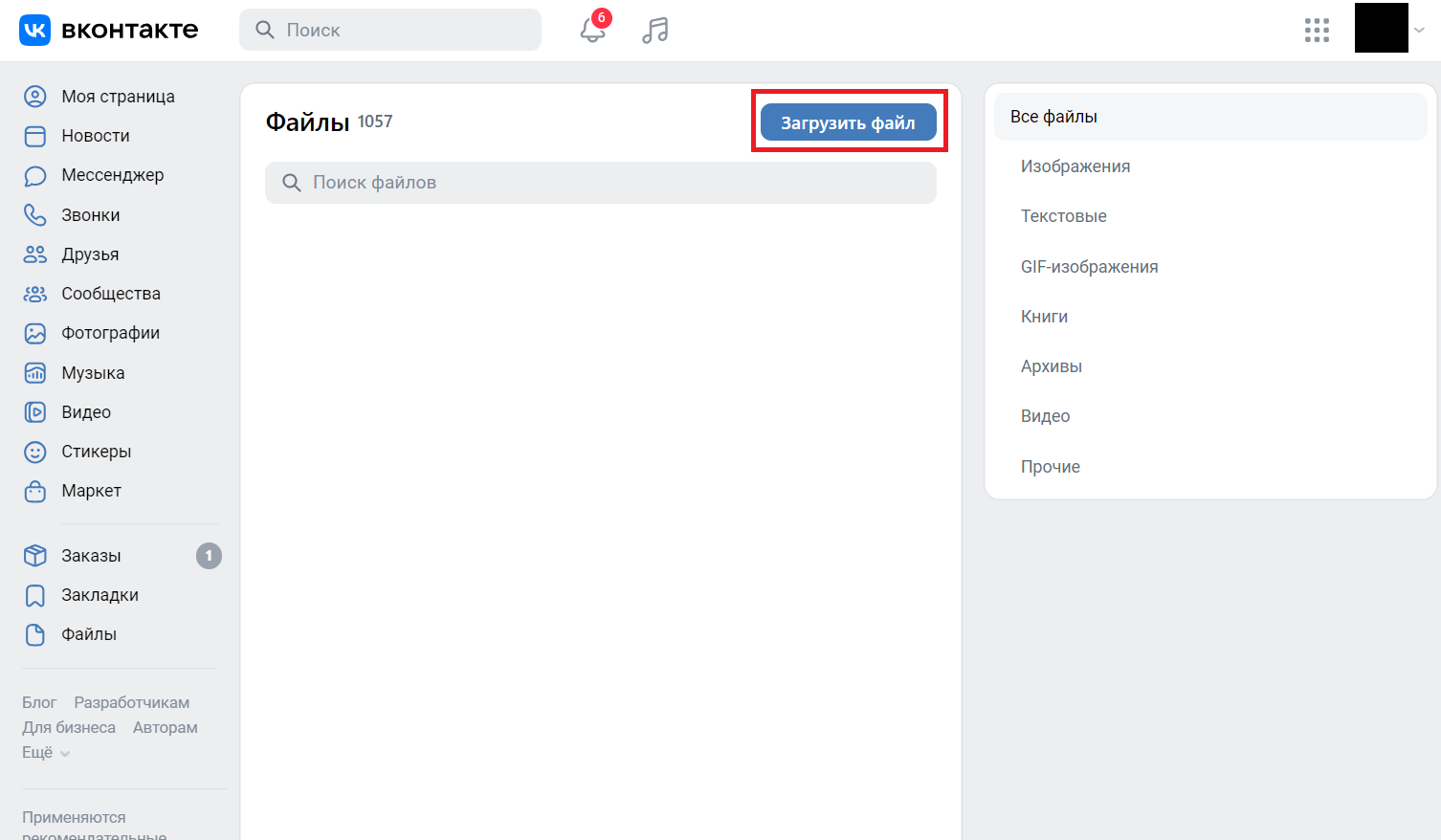
- Select a file from your device.

We have just answered the question of how to publish a VKontakte gif. Now your gif is available to add to the dialog with your friends in VKontakte. This is a great way to support communication and share bright emotions with others. Remember that creative content, such as gifs, can evoke positive emotions and improve the overall atmosphere in correspondence with friends.
How to download a gif from VK: overview
Download a gif from VK is not difficult, if you know where you need to go. Let's look at an example:
- Open the page VKontaktelog in and go to your newsfeed.
- Select the Files tab in the box on the left.
- Select the "GIF Images" tab in the box on the right side of the screen
- A list of the gifs you have previously saved will open in front of you. Select the gif you want to download
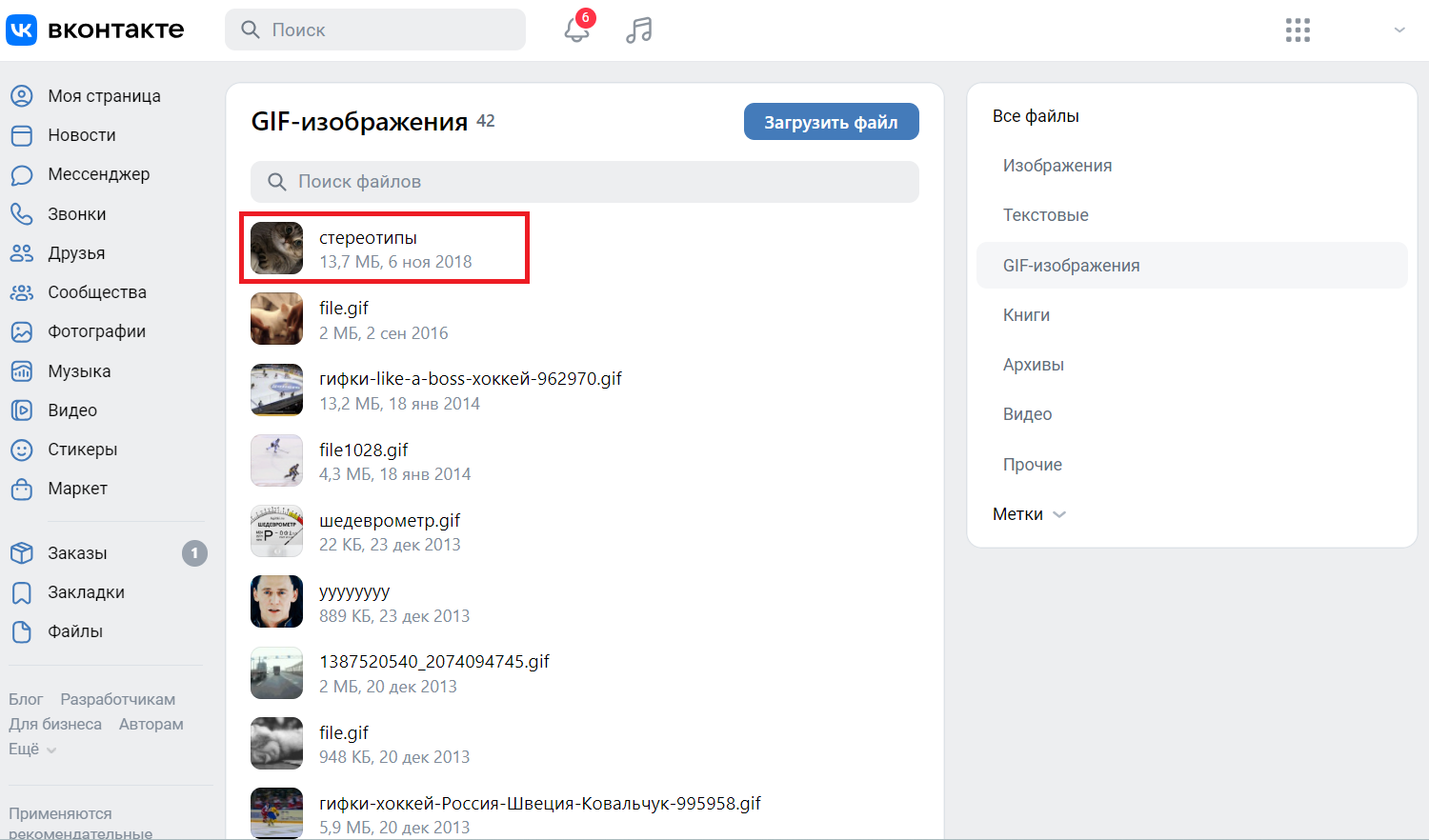
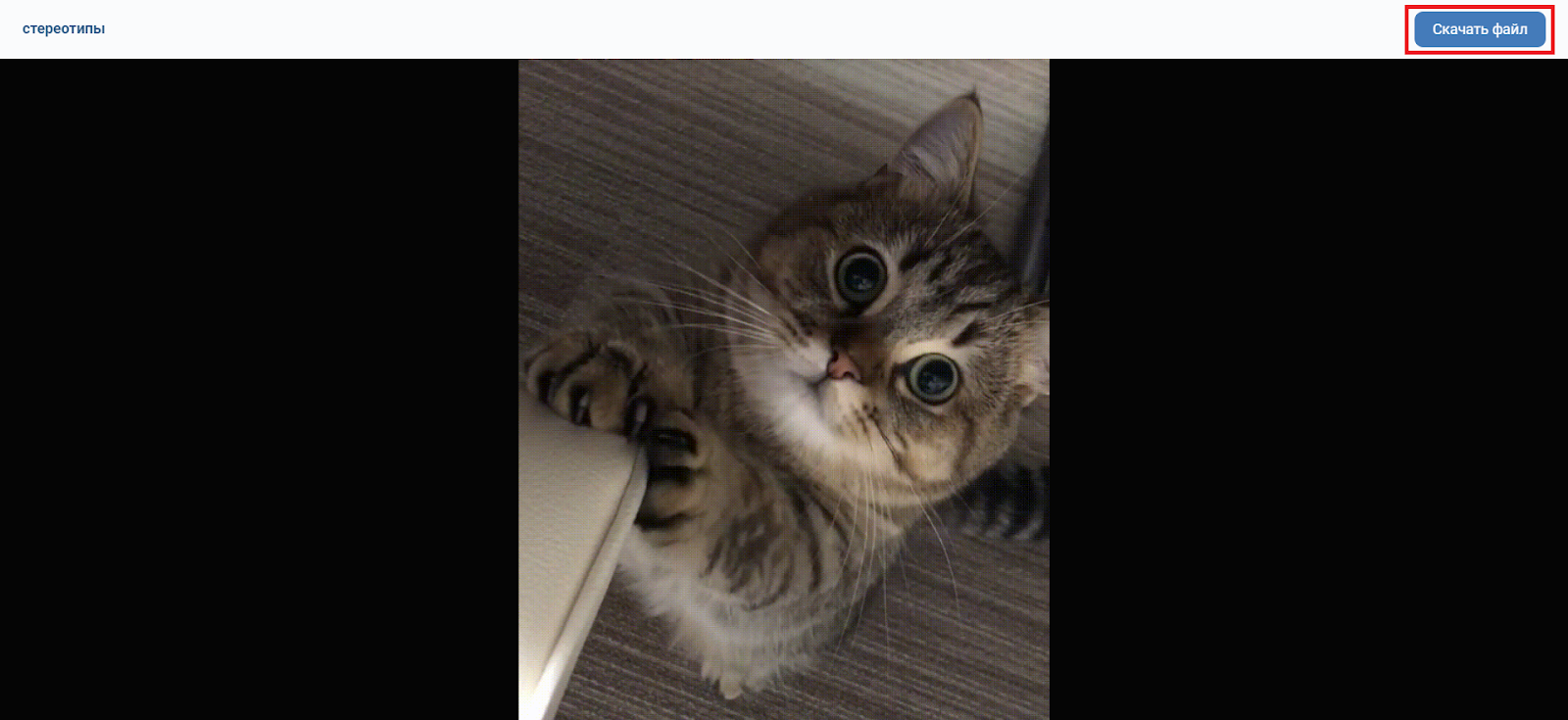
- Click on the "Download File" button, then the GIF animation from VK that you have chosen will be saved to your device.
Conclusion
As you can see, creating and using gifs in VKontakte is an easy and fun way to share emotions and ideas with friends. Knowing how to make a gif in VK, you can use this creative tool to highlight your content among the many posts in the social network VKontakte. Remember that the ReText.AI neural networks for content paraphrasing has all the necessary tools for working with text and for creating interesting and unique content for social networks, including VKontakte.
Frequent questions
A: You can attach up to 10 gifs in one post without losing image quality.
A: Yes, you can use VKontakte gifs on your website or blog, but make sure you have the right to use the images.
A: Use image editors or online tools to resize the gif before uploading. Many of them allow you to choose the optimal file size.
A: Yes, you can use special services to create gifs from videos uploaded to your VKontakte page. First upload the video to your page, and then use the gifocreation tools to convert the video into an animated format. |
|---|